
August 11, 2025
Doc Control Improvements, Supplier Management Enhancements, and a Full Screen Button!
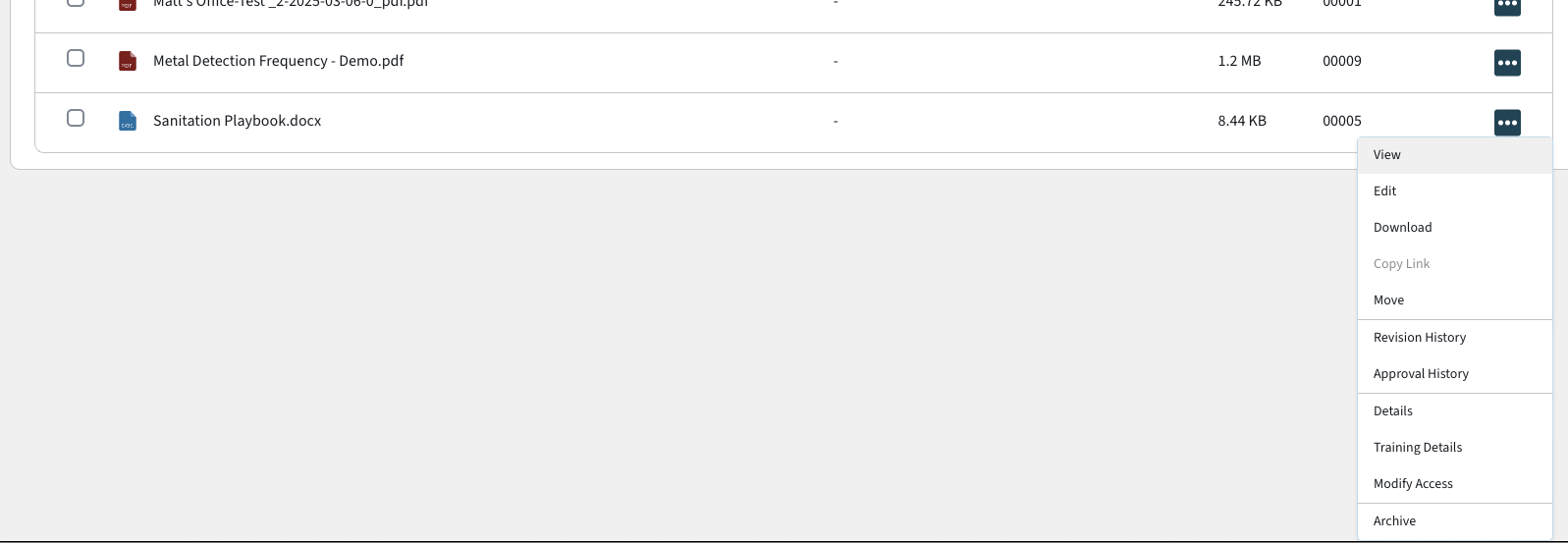
Document Control Menu Scrolls into View
- If the action menu in document control renders below or partially below the viewport, the customer's screen will scroll down to show the entire dropdown.
Several Document Control Improvements
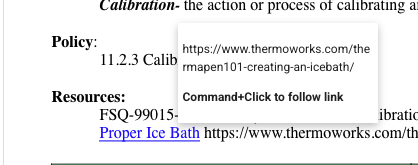
- Clicking or adding hyperlinks in documents now works
- Customers can link other documents in our system by capturing the URL when previewing the document
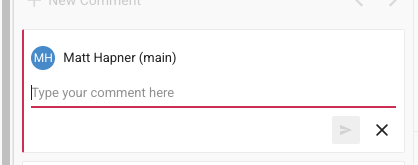
- The user's name is listed when adding a comment (instead of "Guest User")
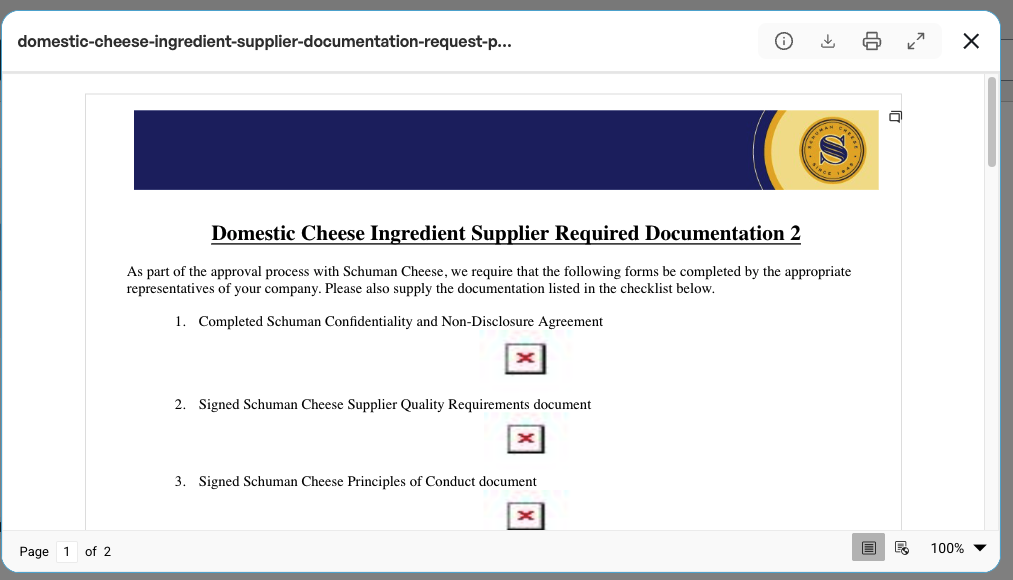
- Headings for documents will now be shown in previews
- The "0 Files" language for Document Control has been removed
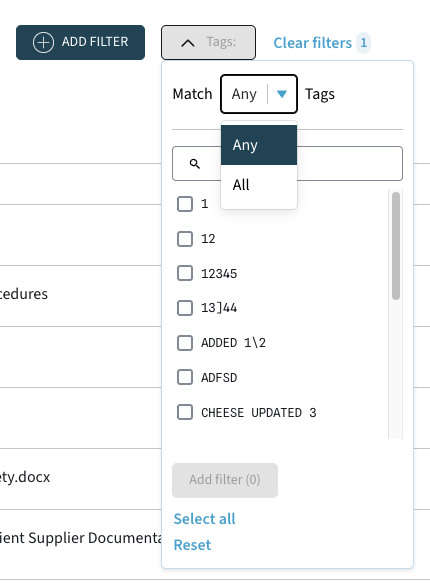
- When filtering against tags, you can now specify to match documents with ALL of the selected tags or match documents with ANY of the selected tags
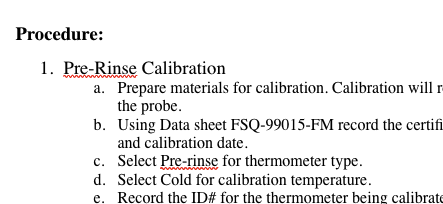
- Spellcheck has been enabled for all documents
Customers CC'd on Email Communication to Suppliers
- When onboarding a supplier, both the user who added the supplier and the user who initiated onboarding are copied on the email to the supplier.
- Customers will be CC'd on emails that are sent out to suppliers about expiring files & documents
[Bug Fix] Reference Image Displays on All Types of Options Inputs
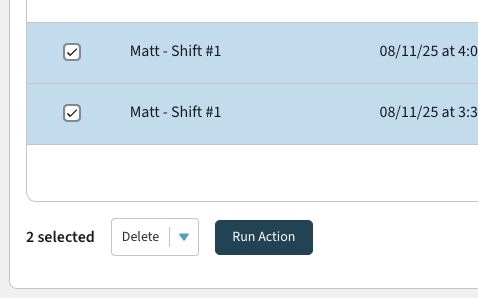
Tasks can now be Bulk Deleted from the All Tasks View
- Task instances in the all tasks view can now be deleted instead of skipped, if that behavior is desired.
- This is exclusive to Admins.
- Deleted task instances will be removed from all of the task views, forever.
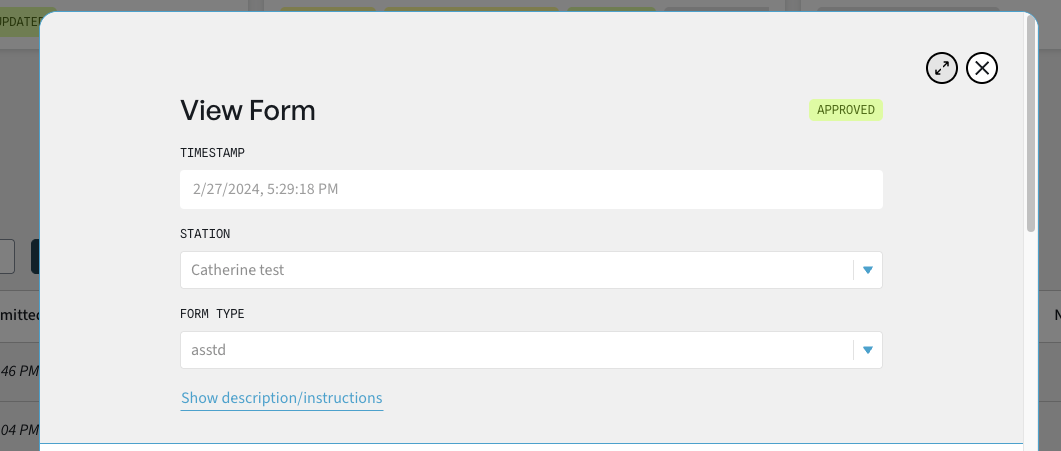
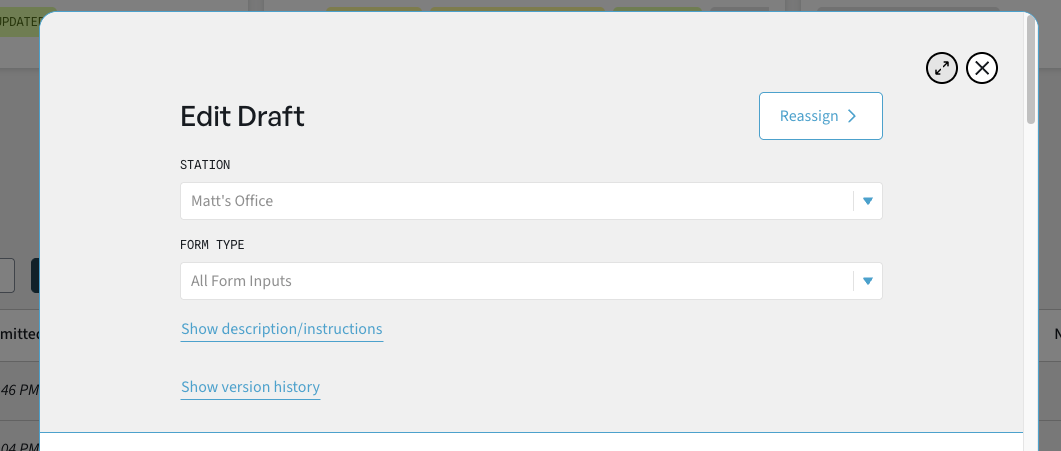
Full Screen Button Added to Forms & Supplier Forms
- In progress & Submitted Forms can be expanded to full screen on ALL types of devices (mobile, pc, tablet)
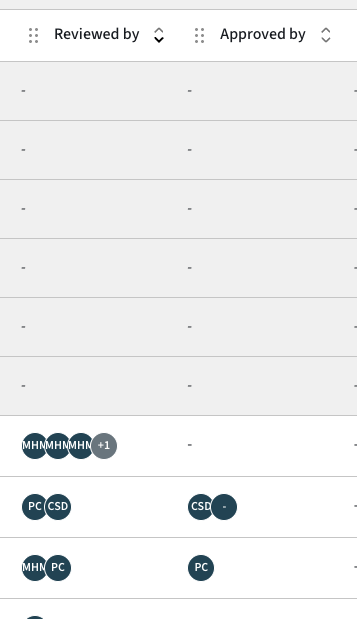
Reviewed By and Approved By Can Now be Sorted
- This allows sorting by the number of reviewal or the number of approvals on a form
We’re here to support you!
Let us know If you need any assistance or have feedback, please reach out. Don’t forget to use our resource guide if you have any questions.